

- サードパーティ
- ゼロデータ保持
テキストプロンプトから画像を生成・編集する OpenAI の画像生成モデルです。複数の品質レベルと出力サイズに対応しています。
| モデル情報 | |
|---|---|
| 利用規約とライセンス | リンク ↗ |
| 詳細情報 | リンク ↗ |
| ゼロデータ保持 | はい |
| 料金 | Cloudflare ダッシュボードで料金を見る ↗ |
const response = await env.AI.run(
  'openai/gpt-image-1.5',
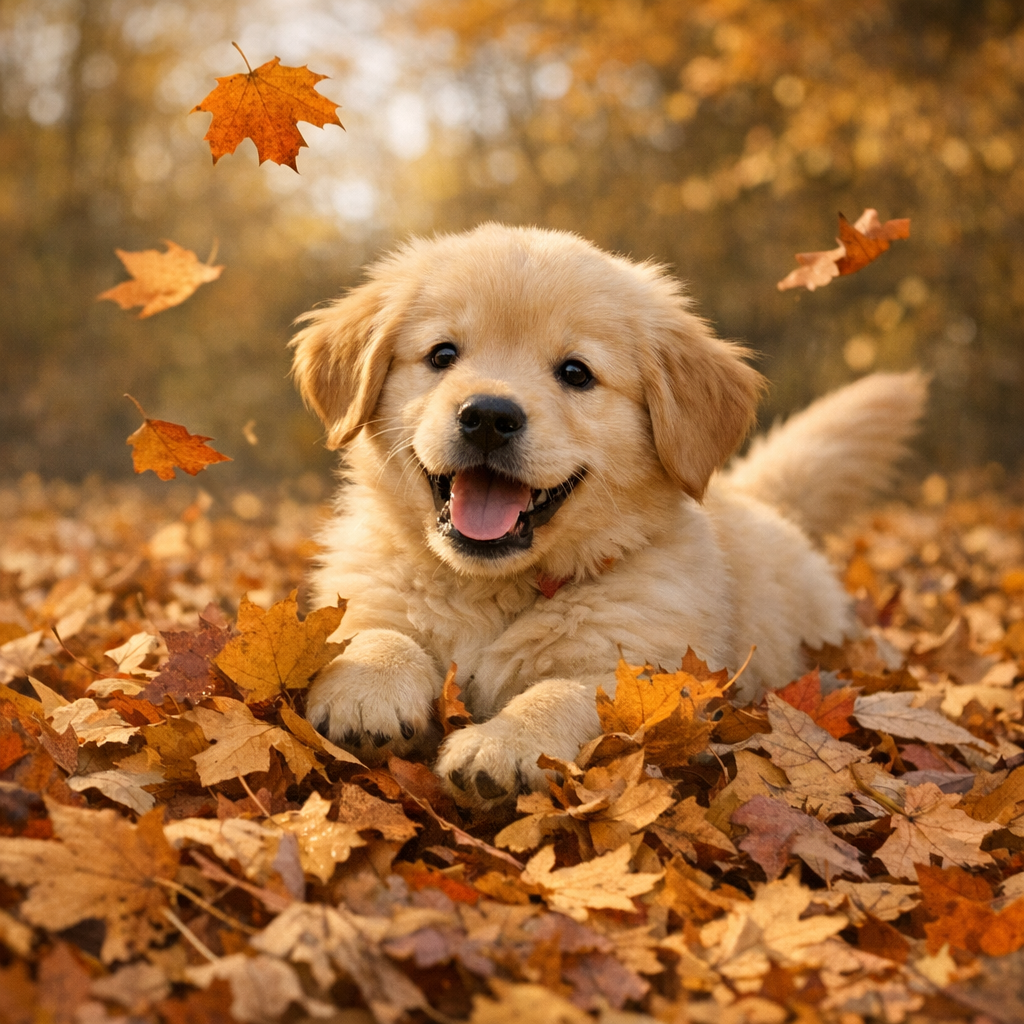
  { prompt: 'A golden retriever puppy playing in autumn leaves' },
)
console.log(response)
curl https://api.cloudflare.com/client/v4/accounts/$CLOUDFLARE_ACCOUNT_ID/ai/run \
--header "Authorization: Bearer $CLOUDFLARE_API_TOKEN" \
--header "Content-Type: application/json" \
--data '{
"model": "openai/gpt-image-1.5",
"input": {
"prompt": "A golden retriever puppy playing in autumn leaves"
}
}'
{
  "gatewayMetadata": {
    "keySource": "BYOK"
  },
  "result": {
    "image": "https://pub-04a6d208d361438ea01b797e6973bd19.r2.dev/catalog/openai__gpt-image-1.5/simple-generation.png"
  },
  "state": "Completed"
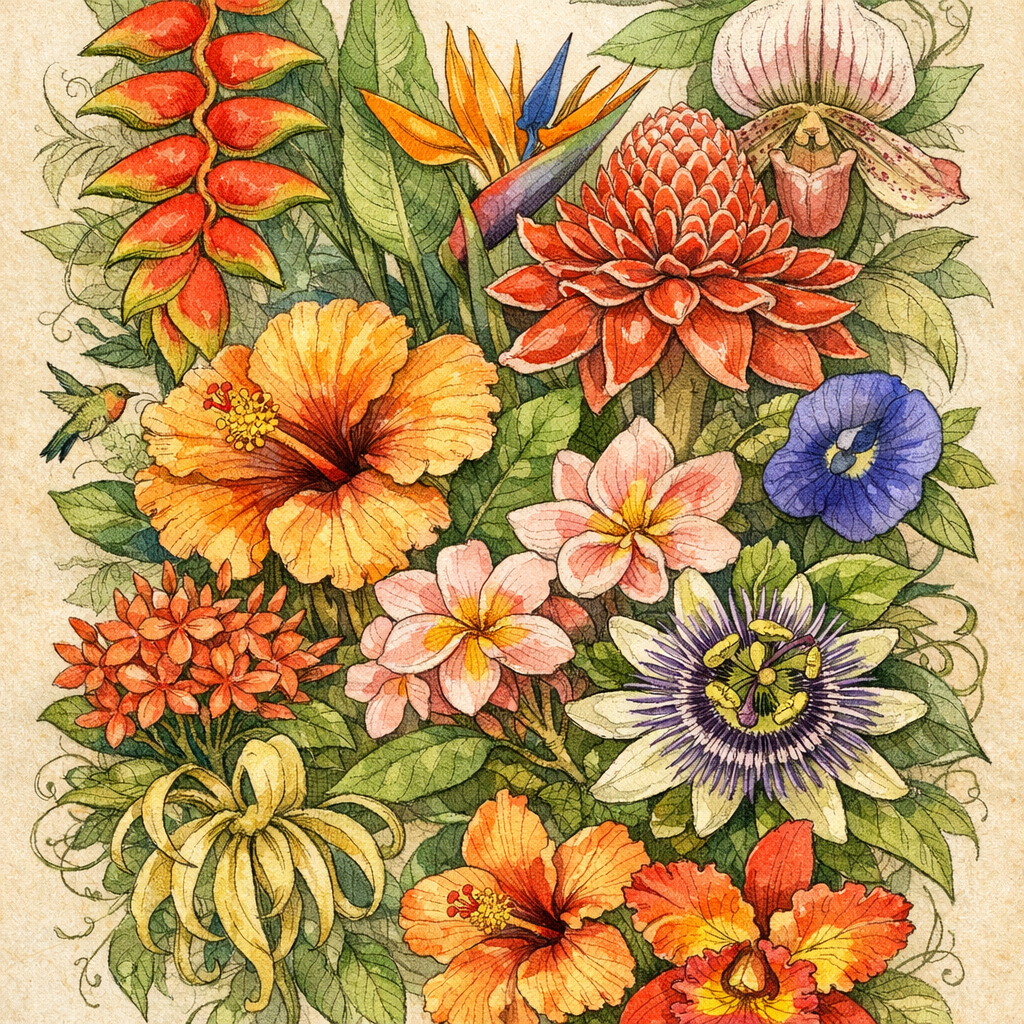
}高品質 — 高品質で詳細な画像を生成します
const response = await env.AI.run(
  'openai/gpt-image-1.5',
  {
    prompt:
      'A detailed botanical illustration of exotic tropical flowers with fine line work and watercolor textures',
    quality: 'high',
  },
)
console.log(response)
curl https://api.cloudflare.com/client/v4/accounts/$CLOUDFLARE_ACCOUNT_ID/ai/run \
--header "Authorization: Bearer $CLOUDFLARE_API_TOKEN" \
--header "Content-Type: application/json" \
--data '{
"model": "openai/gpt-image-1.5",
"input": {
"prompt": "A detailed botanical illustration of exotic tropical flowers with fine line work and watercolor textures",
"quality": "high"
}
}'
{
  "gatewayMetadata": {
    "keySource": "BYOK"
  },
  "result": {
    "image": "https://pub-04a6d208d361438ea01b797e6973bd19.r2.dev/catalog/openai__gpt-image-1.5/high-quality.png"
  },
  "state": "Completed"
}
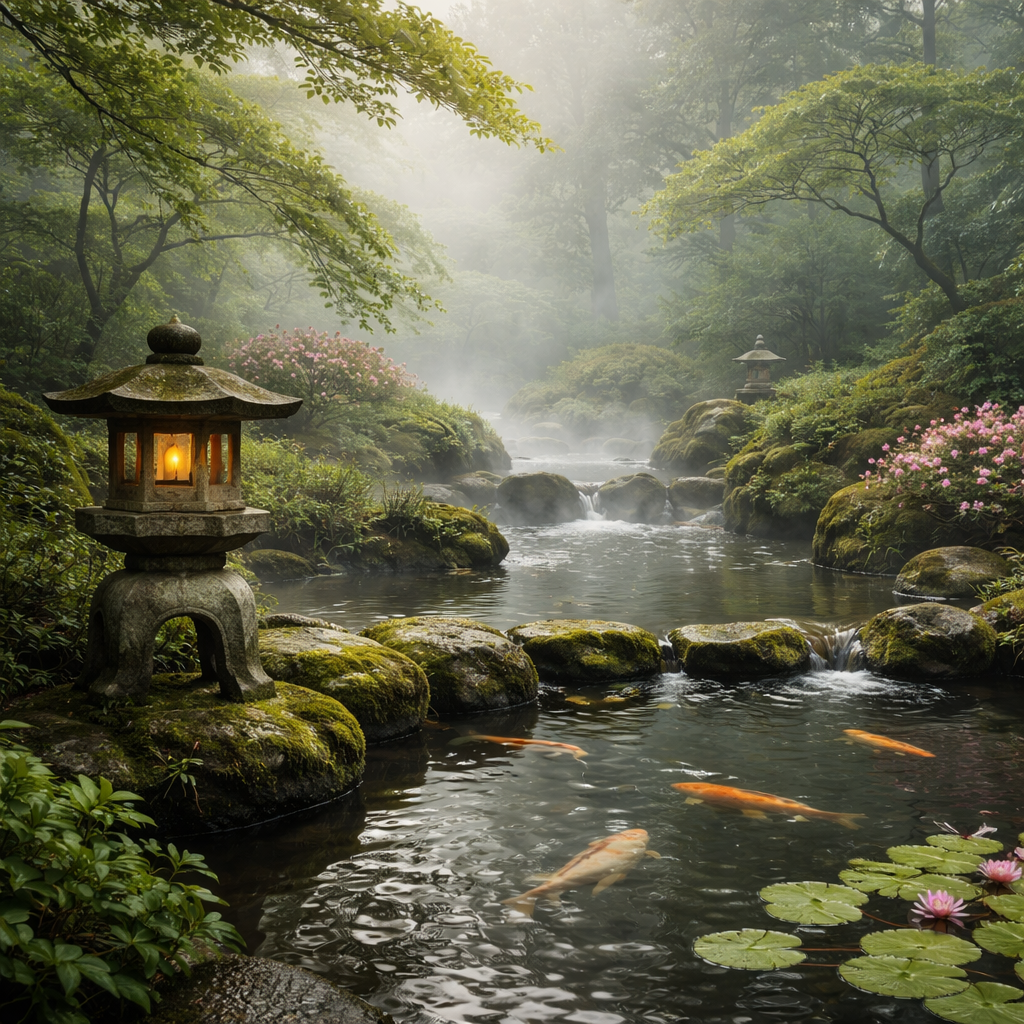
低品質の下書き — 反復向けの高速な下書きです
const response = await env.AI.run(
  'openai/gpt-image-1.5',
  {
    prompt: 'A quiet Japanese garden in morning mist with a stone lantern and koi pond',
    quality: 'low',
  },
)
console.log(response)
curl https://api.cloudflare.com/client/v4/accounts/$CLOUDFLARE_ACCOUNT_ID/ai/run \
--header "Authorization: Bearer $CLOUDFLARE_API_TOKEN" \
--header "Content-Type: application/json" \
--data '{
"model": "openai/gpt-image-1.5",
"input": {
"prompt": "A quiet Japanese garden in morning mist with a stone lantern and koi pond",
"quality": "low"
}
}'
{
  "gatewayMetadata": {
    "keySource": "BYOK"
  },
  "result": {
    "image": "https://pub-04a6d208d361438ea01b797e6973bd19.r2.dev/catalog/openai__gpt-image-1.5/low-quality-draft.png"
  },
  "state": "Completed"
}
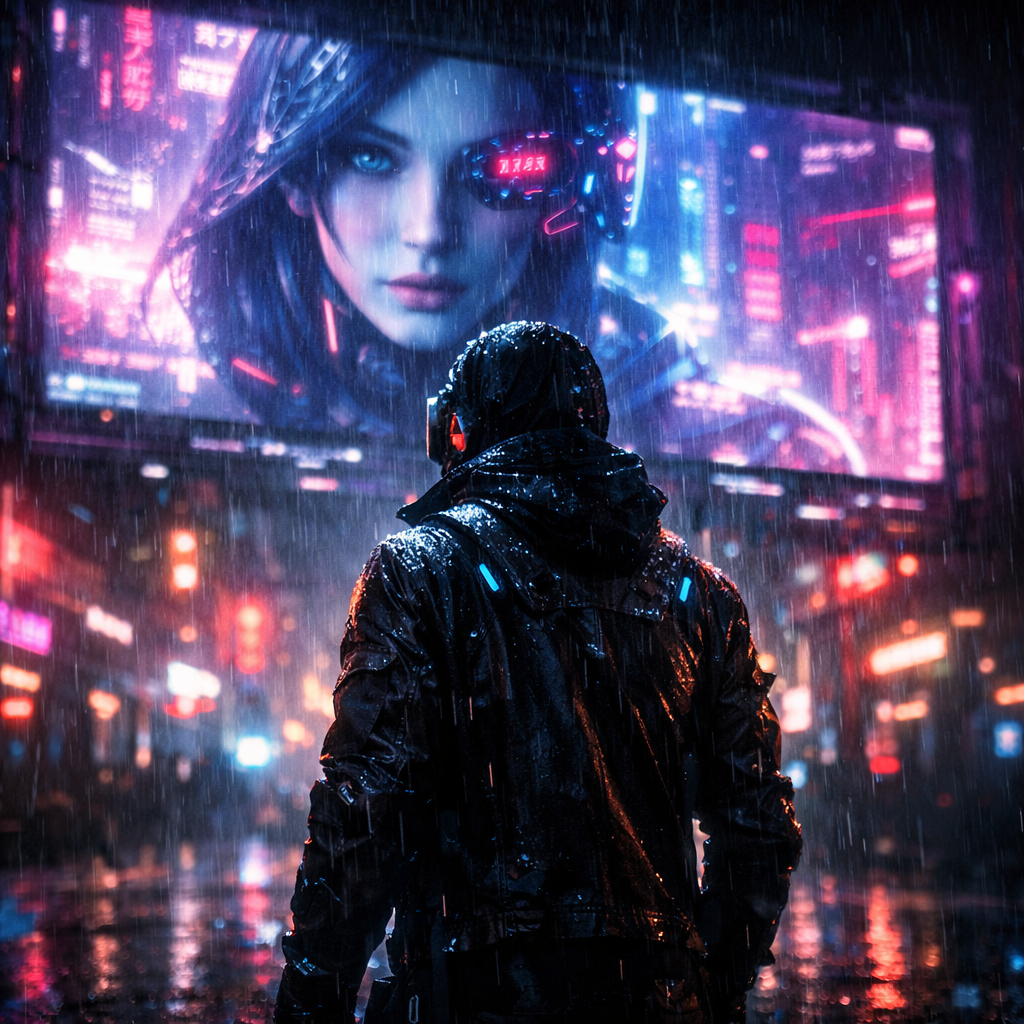
中品質 — 多くの用途向けのバランス品質です
const response = await env.AI.run(
  'openai/gpt-image-1.5',
  {
    prompt:
      'A neon-lit cyberpunk figure standing in the rain beneath a holographic billboard, cinematic lighting',
    quality: 'medium',
  },
)
console.log(response)
curl https://api.cloudflare.com/client/v4/accounts/$CLOUDFLARE_ACCOUNT_ID/ai/run \
--header "Authorization: Bearer $CLOUDFLARE_API_TOKEN" \
--header "Content-Type: application/json" \
--data '{
"model": "openai/gpt-image-1.5",
"input": {
"prompt": "A neon-lit cyberpunk figure standing in the rain beneath a holographic billboard, cinematic lighting",
"quality": "medium"
}
}'
{
  "gatewayMetadata": {
    "keySource": "BYOK"
  },
  "result": {
    "image": "https://pub-04a6d208d361438ea01b797e6973bd19.r2.dev/catalog/openai__gpt-image-1.5/medium-quality.png"
  },
  "state": "Completed"
}
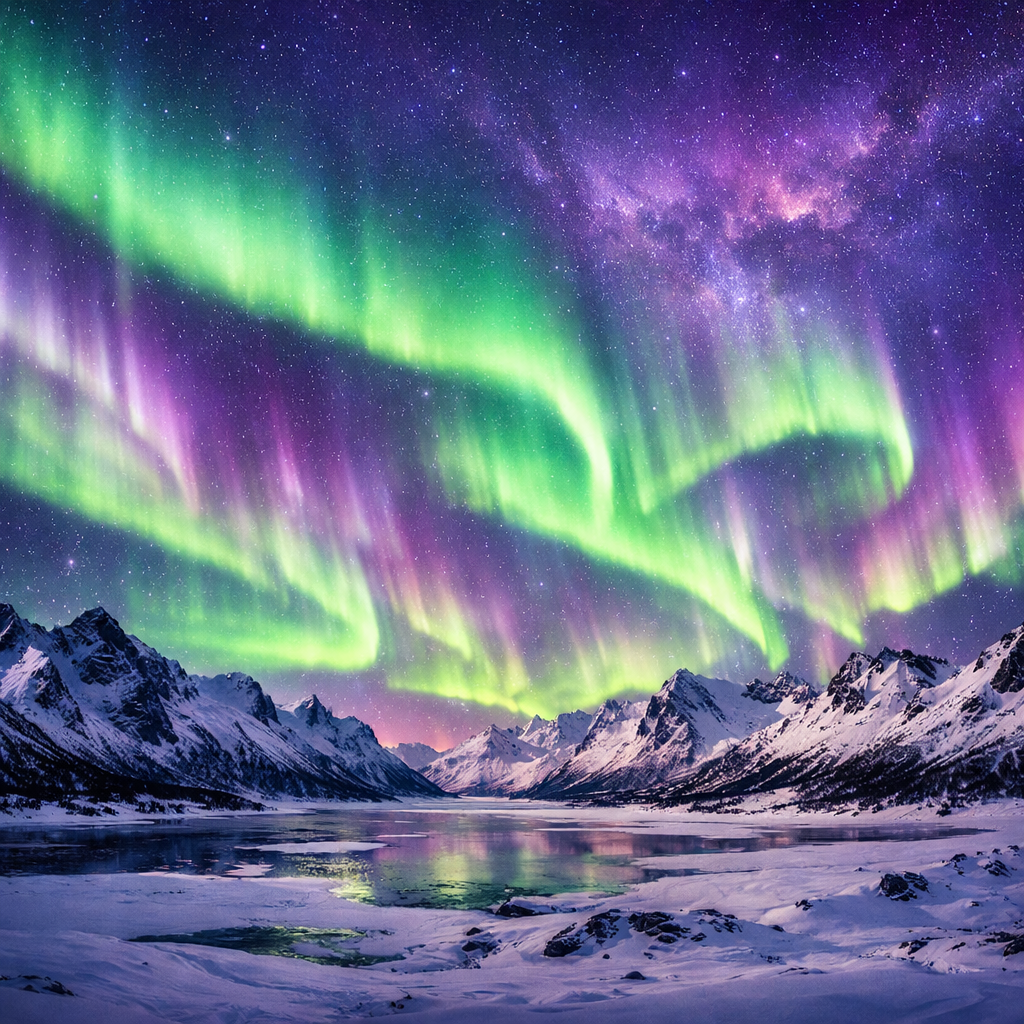
自動品質 — 適切な品質レベルをモデルに選ばせます
const response = await env.AI.run(
  'openai/gpt-image-1.5',
  {
    prompt:
      'A panoramic view of the northern lights over a snowy mountain range, vivid greens and purples dancing across the sky',
    quality: 'auto',
  },
)
console.log(response)
curl https://api.cloudflare.com/client/v4/accounts/$CLOUDFLARE_ACCOUNT_ID/ai/run \
--header "Authorization: Bearer $CLOUDFLARE_API_TOKEN" \
--header "Content-Type: application/json" \
--data '{
"model": "openai/gpt-image-1.5",
"input": {
"prompt": "A panoramic view of the northern lights over a snowy mountain range, vivid greens and purples dancing across the sky",
"quality": "auto"
}
}'
{
  "gatewayMetadata": {
    "keySource": "BYOK"
  },
  "result": {
    "image": "https://pub-04a6d208d361438ea01b797e6973bd19.r2.dev/catalog/openai__gpt-image-1.5/auto-quality.png"
  },
  "state": "Completed"
}prompt
string必須生成または編集する画像を説明するテキストプロンプトです▶images[]
arraymaxItems: 16画像編集用の入力画像です。1〜16 件です。各要素は Base64 エンコード(生文字列、または `data:image/{png|jpeg|webp};base64,...` URI)です。quality
stringenum: low, medium, high, auto生成画像の品質ですsize
stringenum: 256x256, 512x512, 1024x1024, 1792x1024, 1024x1792生成画像のサイズですstyle
stringenum: vivid, natural生成画像のスタイルですimage
stringformat: uri生成された画像の URL です